

Domains / WHOIS privacy
WHOIS privacy: keep your contact details off public records
ID Protection keeps your name, email and phone number out of public lookups, where the extension allows it.
What WHOIS is
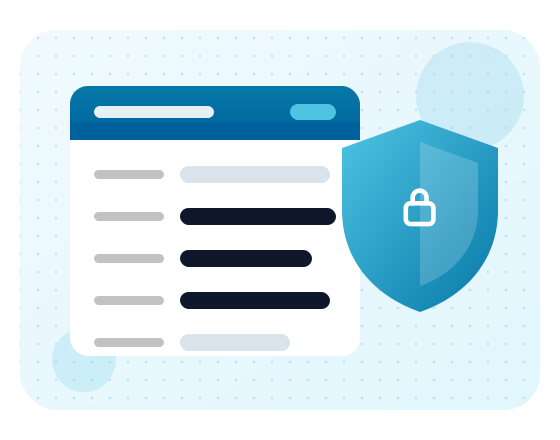
WHOIS is the public directory of domain registration records. Anyone can look up any domain's record.
Every entry lists the registrar, key dates, nameservers and contact details for whoever registered it. Without protection, your home address and personal phone number can be visible to anyone who looks.

What's public, and what ID Protection hides
What shows depends on the extension and its registry. Here's the usual picture.
| Record field | Without ID Protection | With ID Protection |
|---|---|---|
| Registrar and dates | Public | Public |
| Nameservers | Public | Public |
| Your name | Shown or redacted, by registry | Replaced with substitute details |
| Email and phone | Shown or redacted, by registry | Replaced with substitute details |
| Postal address | Shown or redacted, by registry | Replaced with substitute details |
What ID Protection does
It keeps your personal details out of the public record, which cuts down the spam and cold calls that come from scraped records.
- You keep ownership
You stay the legal owner and keep full control of the domain. - Only the public view changes
The registry and your registrar still hold your real details. - Keep your details accurate
You still need to keep your contact record up to date.
Do you need domain privacy?

Turn it on if
You register as an individual, work from home, or don't want your personal email and phone number on marketing lists.

You might skip it if
You're a business that wants its legal name and contact details tied to the domain, or your extension already redacts personal data.
Extensions that don't allow privacy
If privacy matters for your domain, check before you register. Our team can tell you how a particular extension handles it.

Not every extension allows it
Some country-code registries require the owner's real details to be published, or don't permit privacy services.

Some redact by default
Other registries apply their own rules, so personal details are hidden with or without ID Protection.

What it costs
A paid add-on billed yearly with the domain. The price shows on the order page before you pay.
See domain pricingWhat is WHOIS privacy?
WHOIS privacy is a service that keeps your personal contact details out of the public domain registration record. Anyone looking up your domain no longer sees your name, address, email, and phone number. Spammers and data scrapers can't collect your personal details from the record.
Do I need domain privacy?
If you register a domain in your own name, privacy protection reduces spam, cold sales calls, and unwanted contact. Businesses that want public contact details on record may choose to skip it. Some extensions already hide personal data by default, so privacy adds less there. Check what your extension shows publicly before you decide.
Is WHOIS privacy free at ResellerBytes?
No. ID Protection is a paid yearly add-on, and the order page shows its price before you check out. Your domain works the same with or without it. It only changes what appears in public lookups.
Can every domain extension have WHOIS privacy?
No. Some country-code registries require the owner's details to be published or don't allow privacy services, and some only allow privacy for individuals. If privacy is a deciding factor, check the extension before you register, or ask our team.
Does privacy affect transferring my domain?
Sometimes. A few registrars ask you to switch privacy off during a transfer so approval emails reach your real address. Our transfer page explains what to check before moving a domain, and you can turn privacy back on once the transfer completes.
Register with your privacy in mind
Search for your domain and add ID Protection on the order page.